Custom Tesla wraps,
made for your screen.
Describe a look on a model-specific Tesla Paint Shop template — Model 3, Model Y, Model S, Model X or Cybertruck. Inspect it in 3D and export a digital wrap PNG. For a physical wrap idea on another supported model, preview it on your own photo.
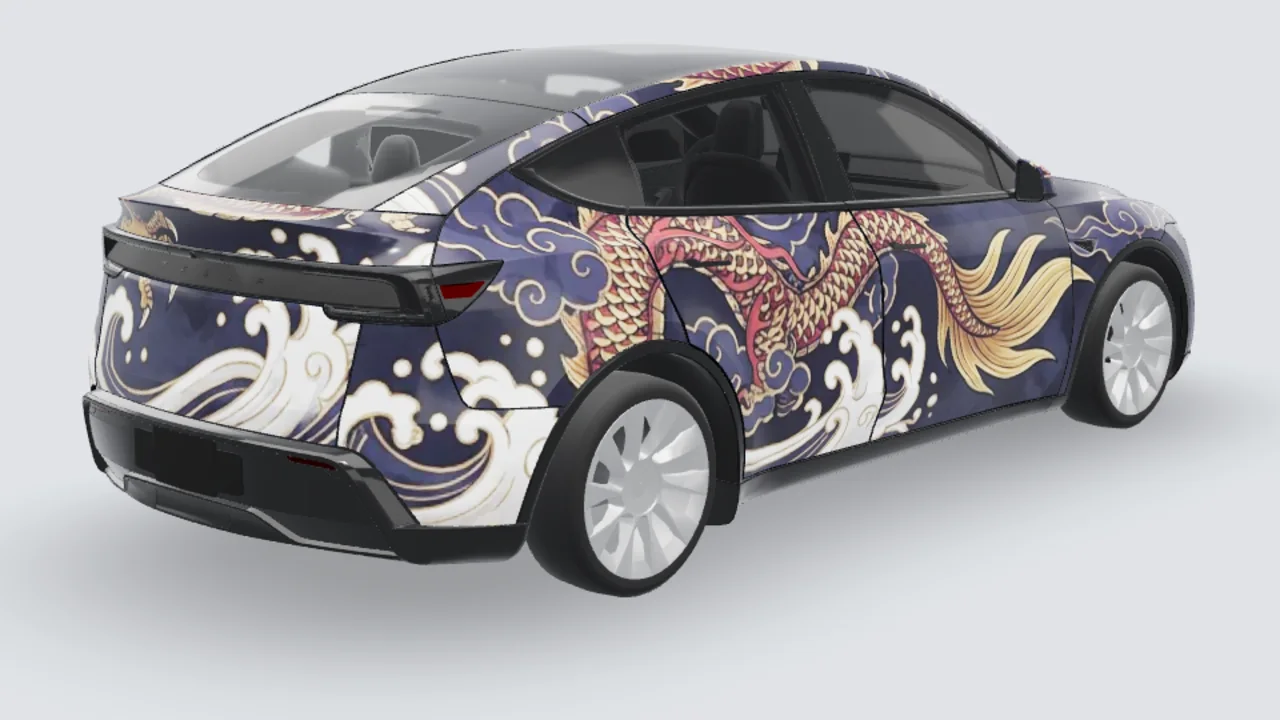
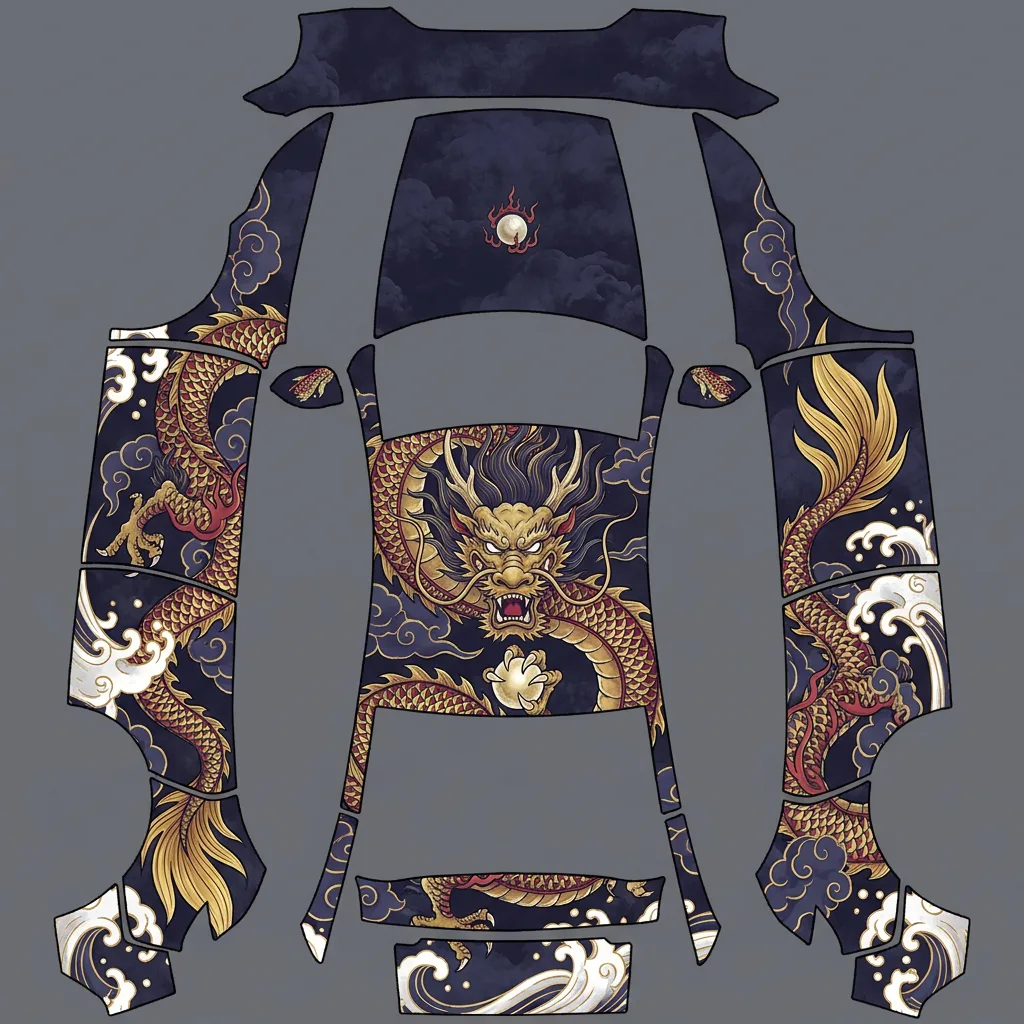
Wrap Studio
Open the studio →Featured wraps
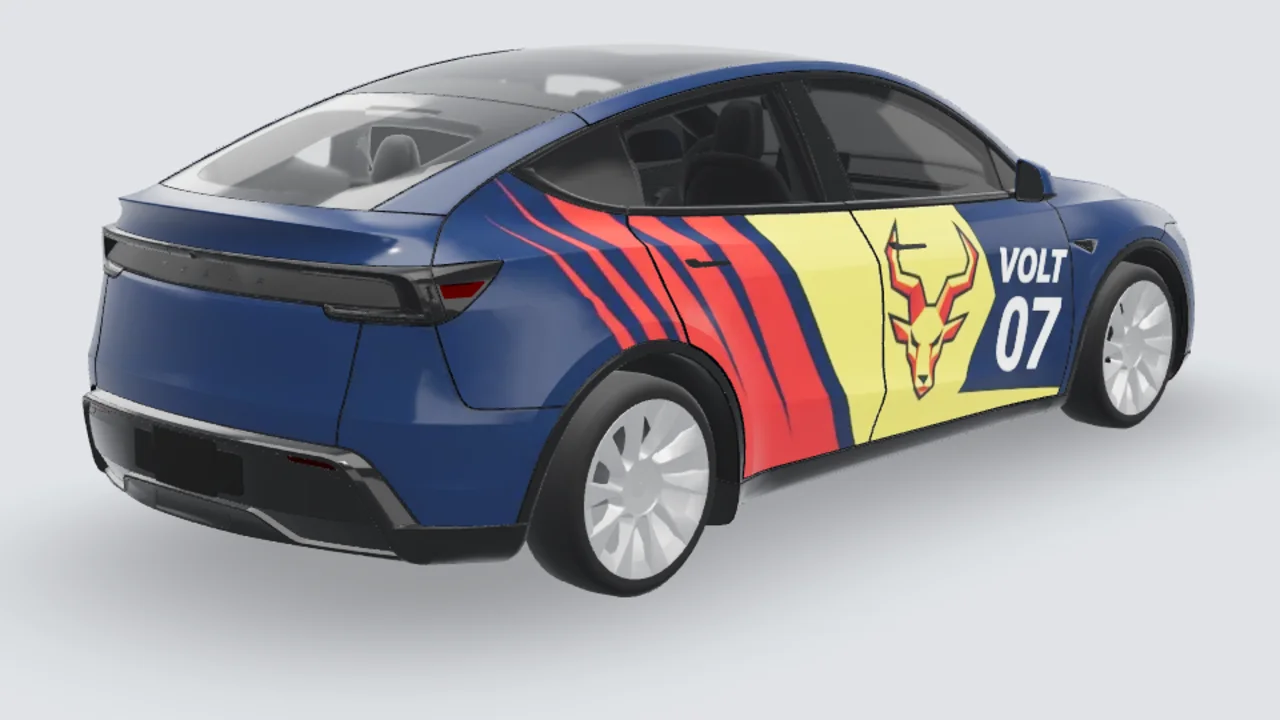
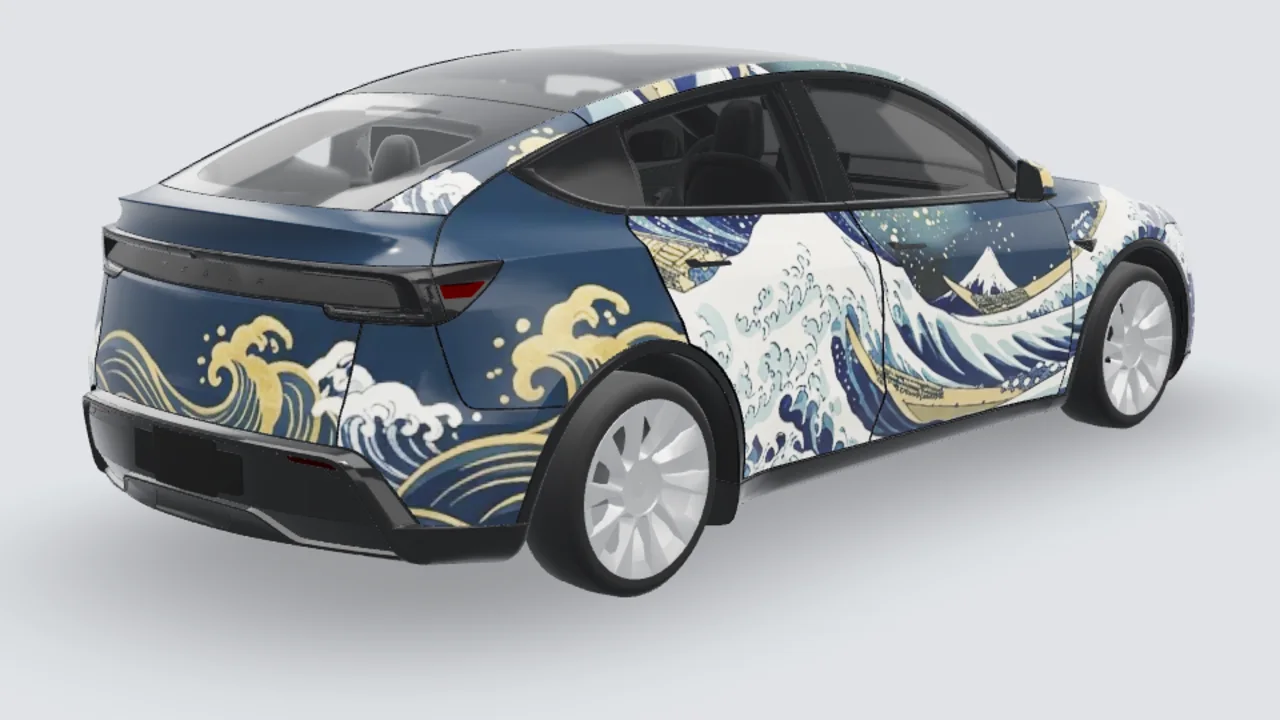
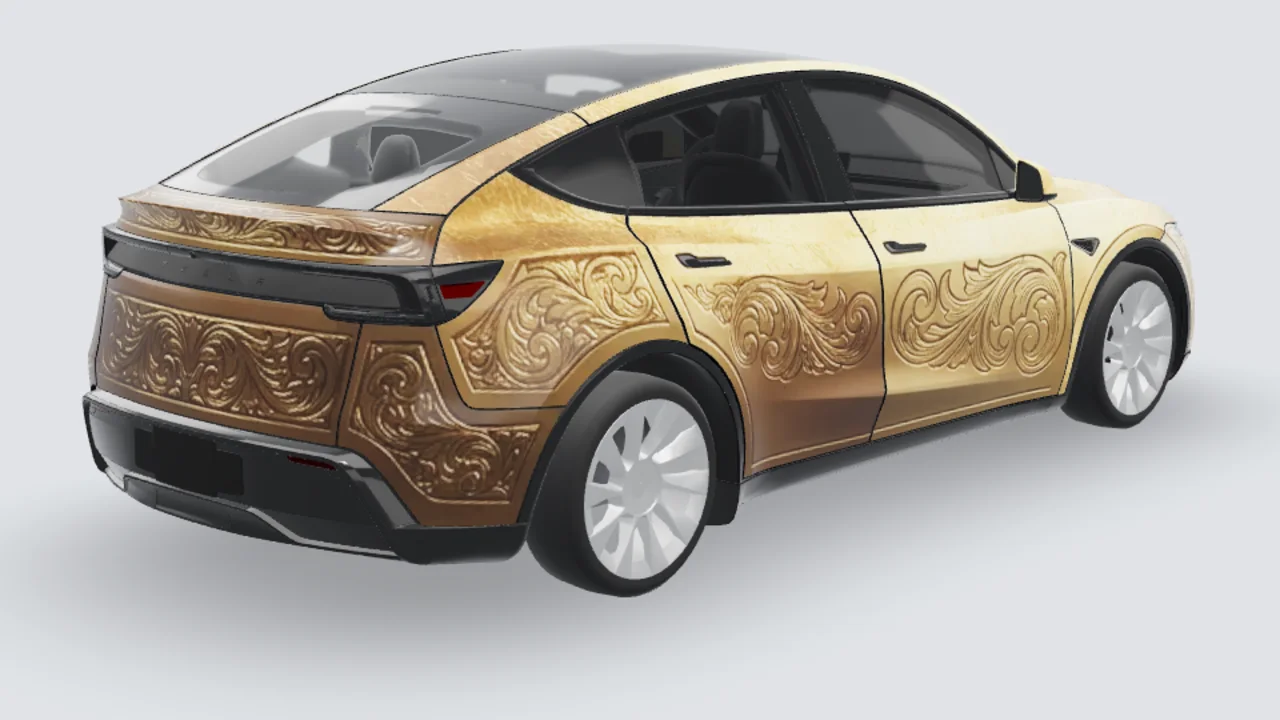
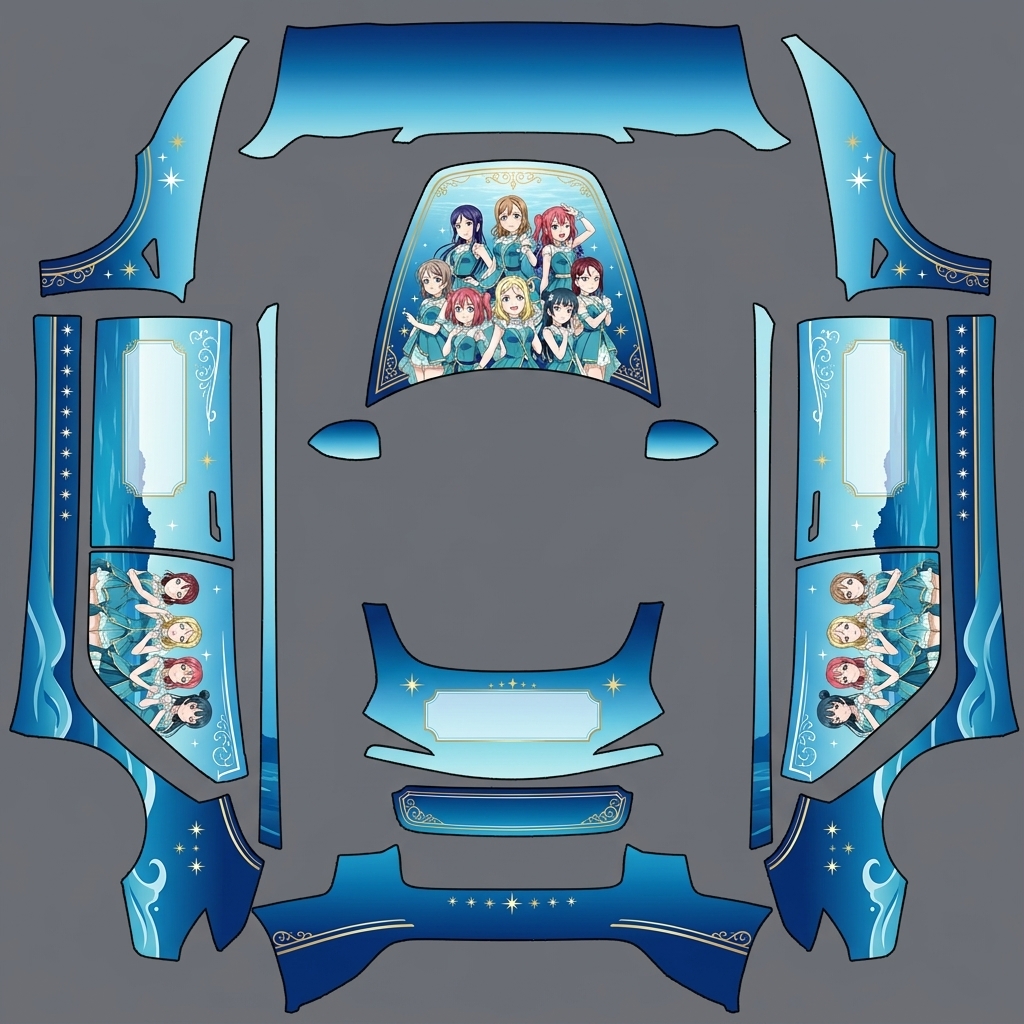
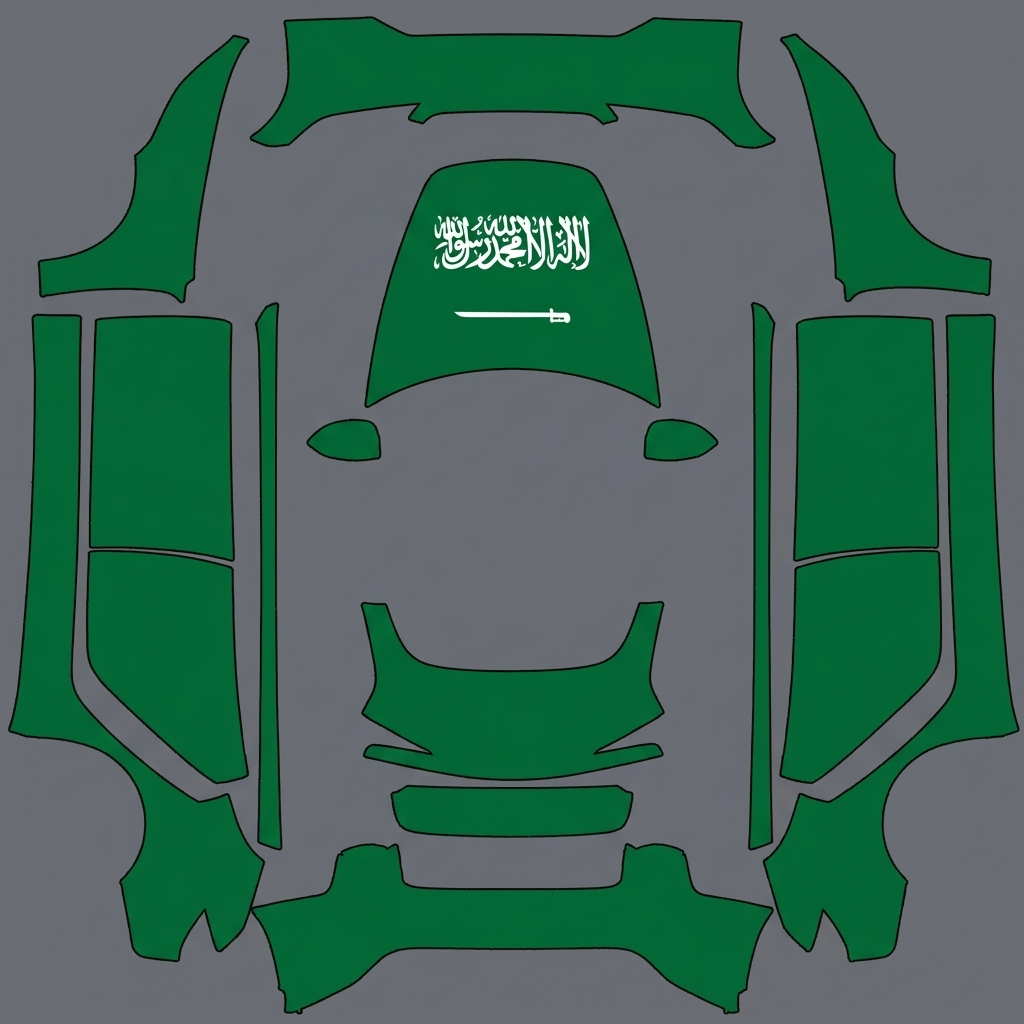
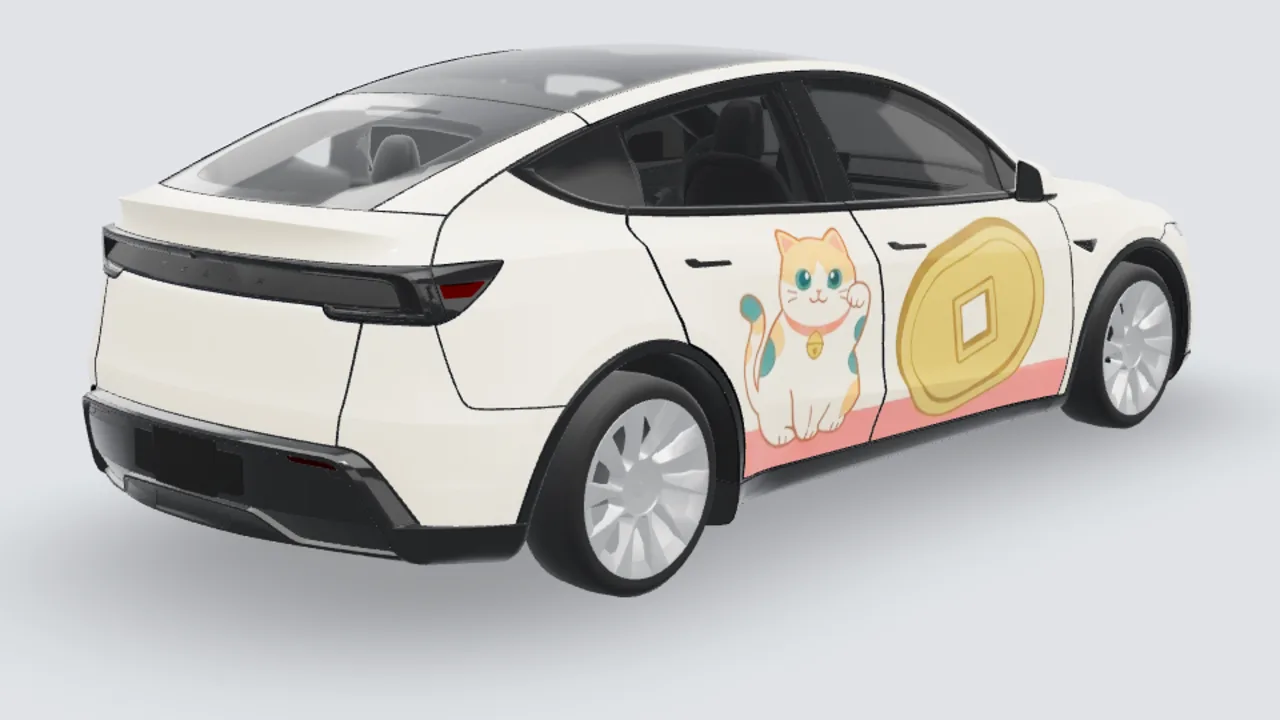
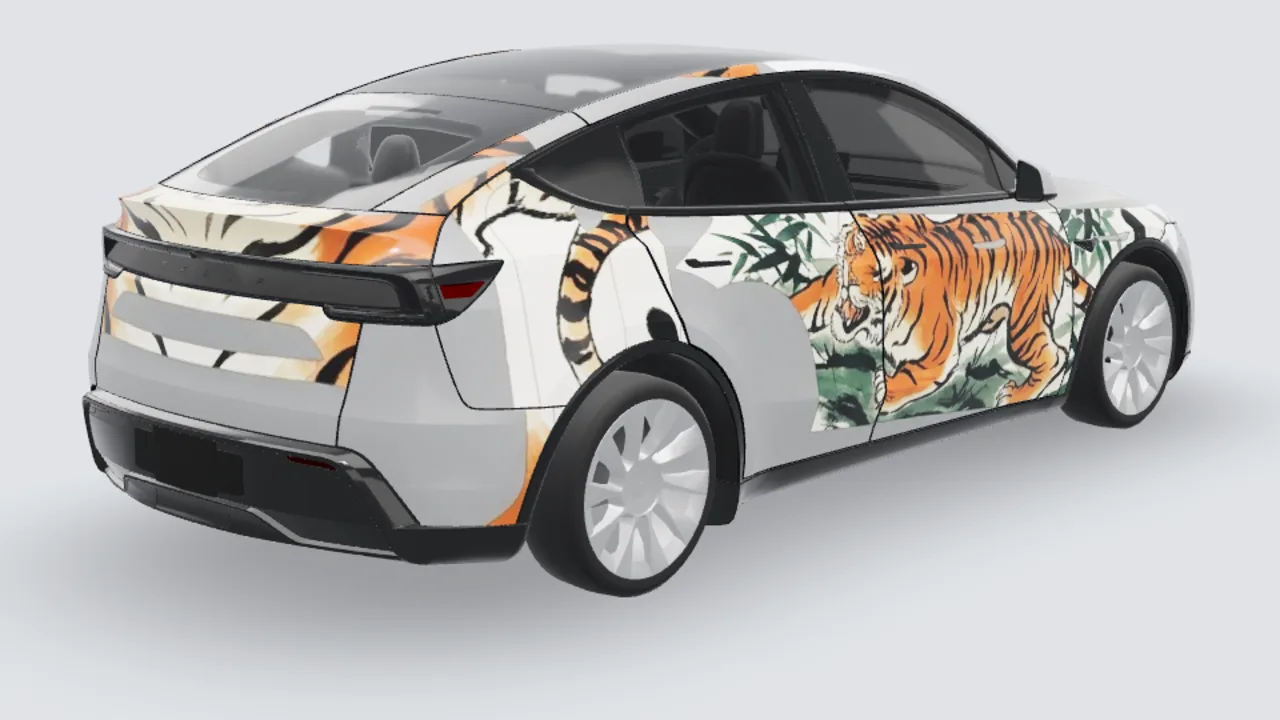
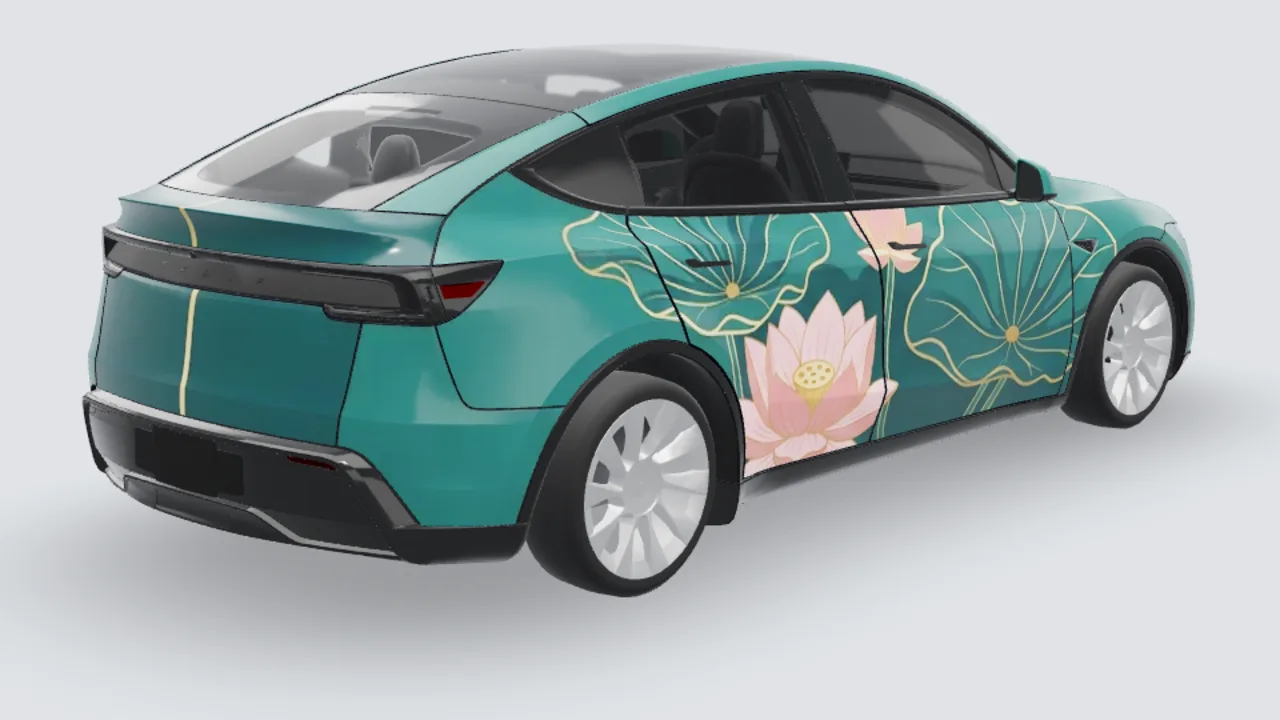
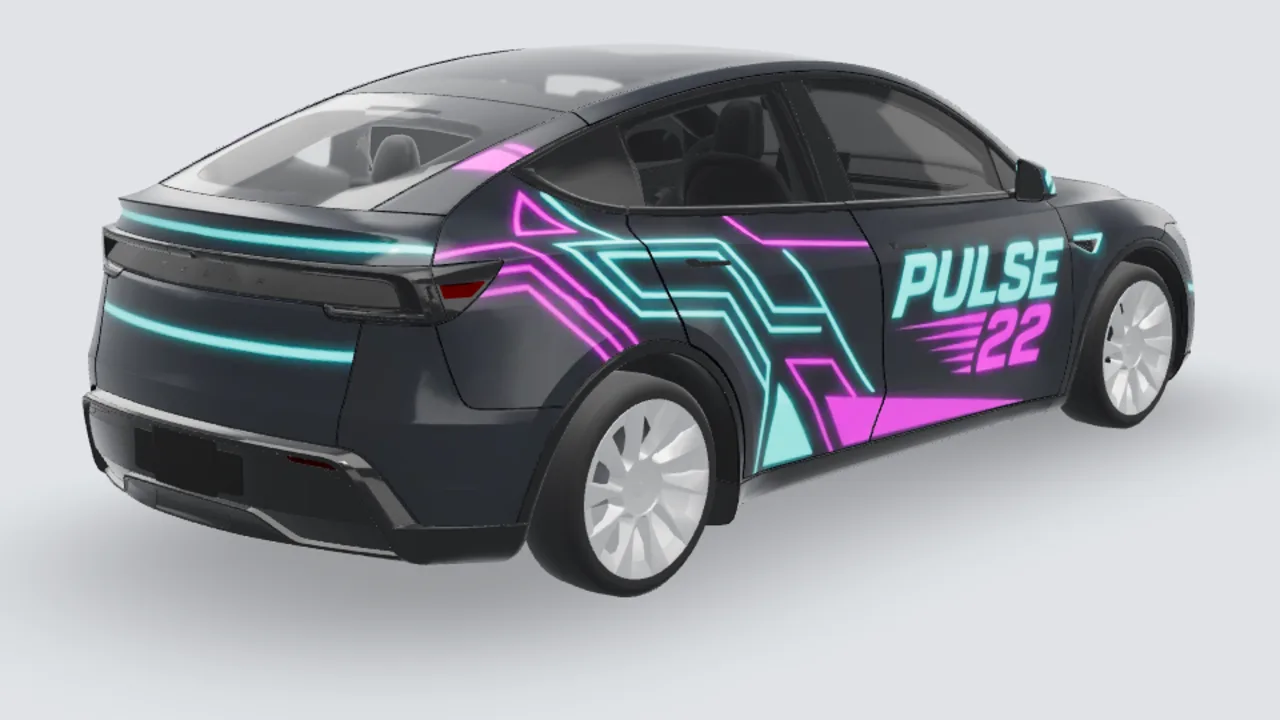
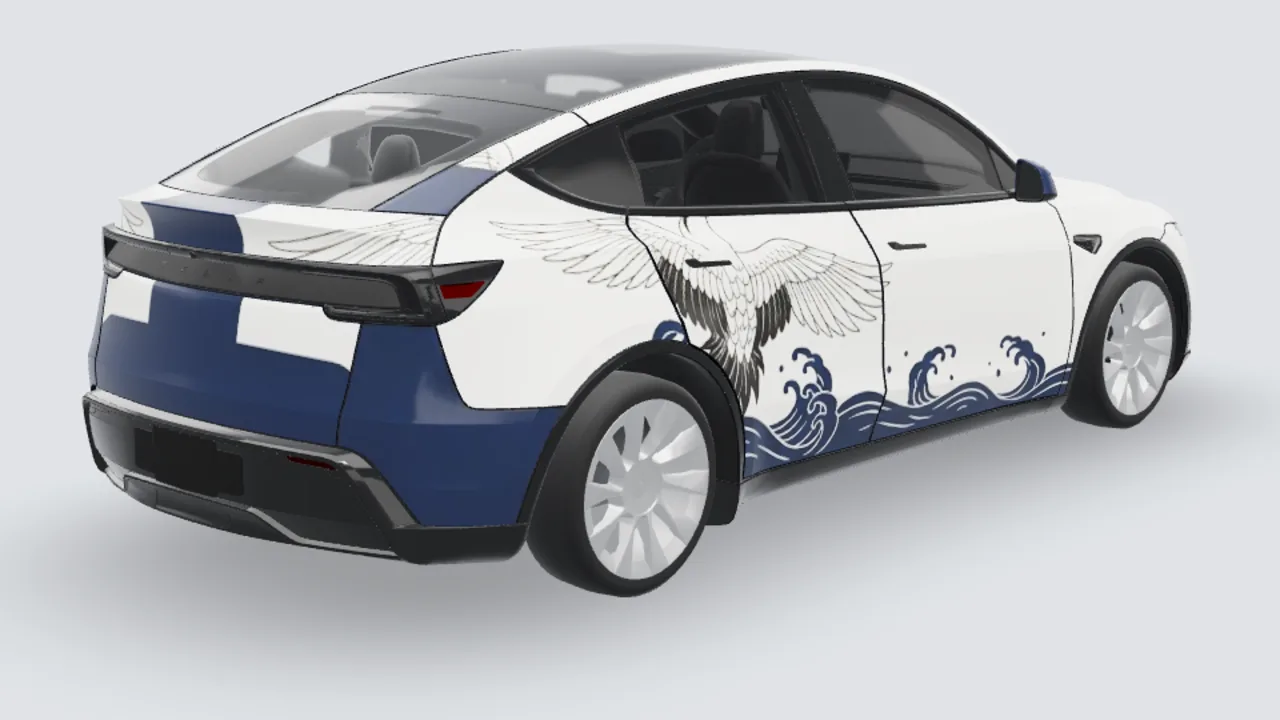
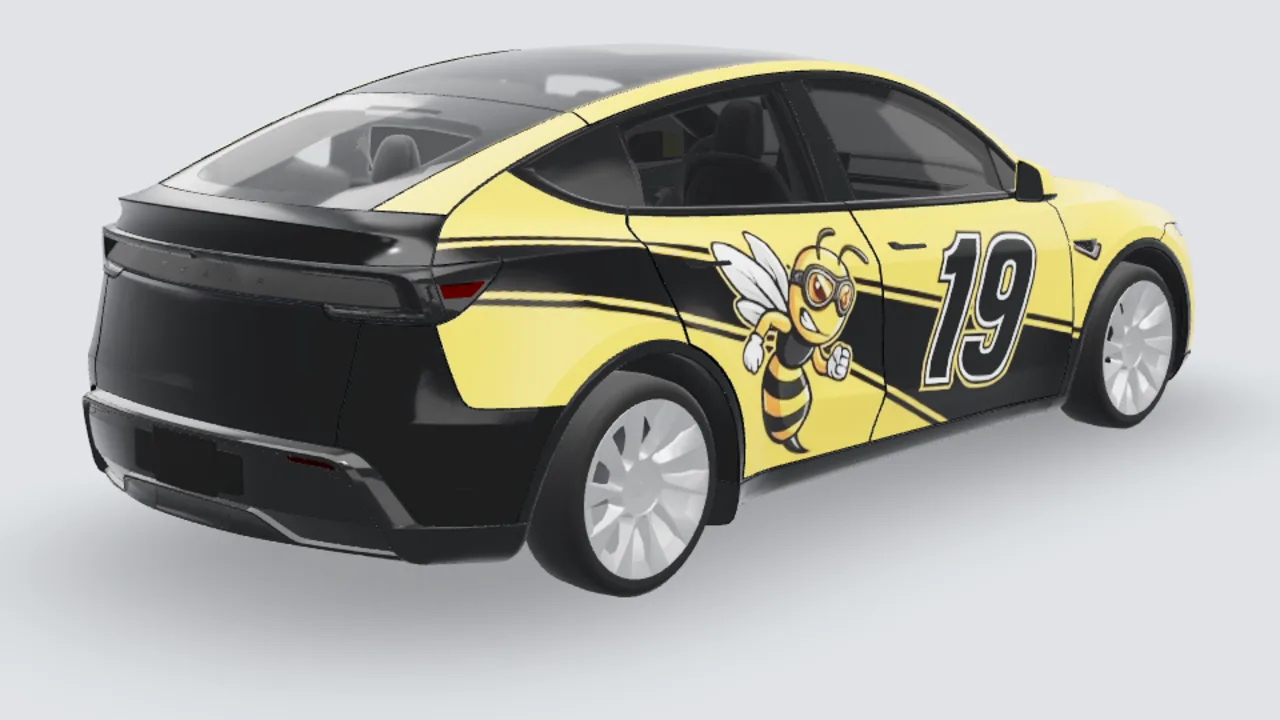
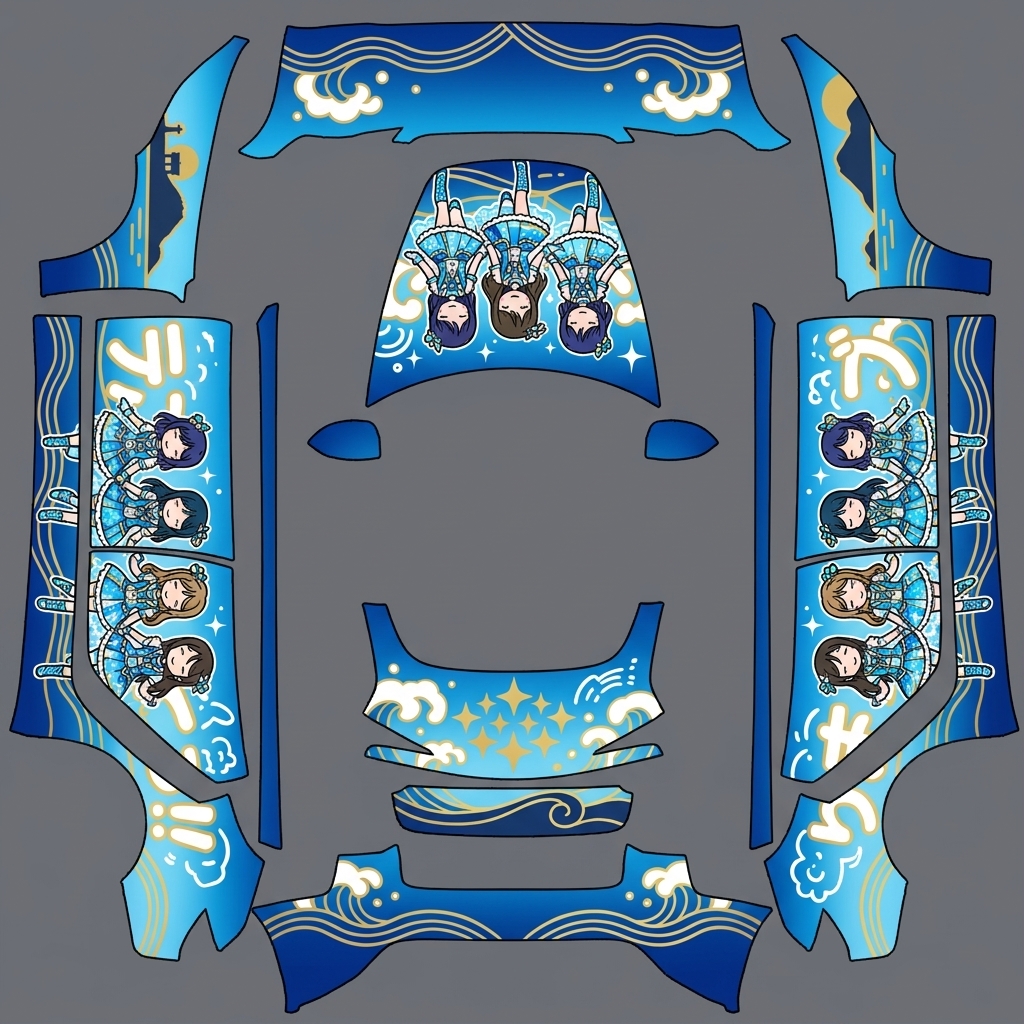
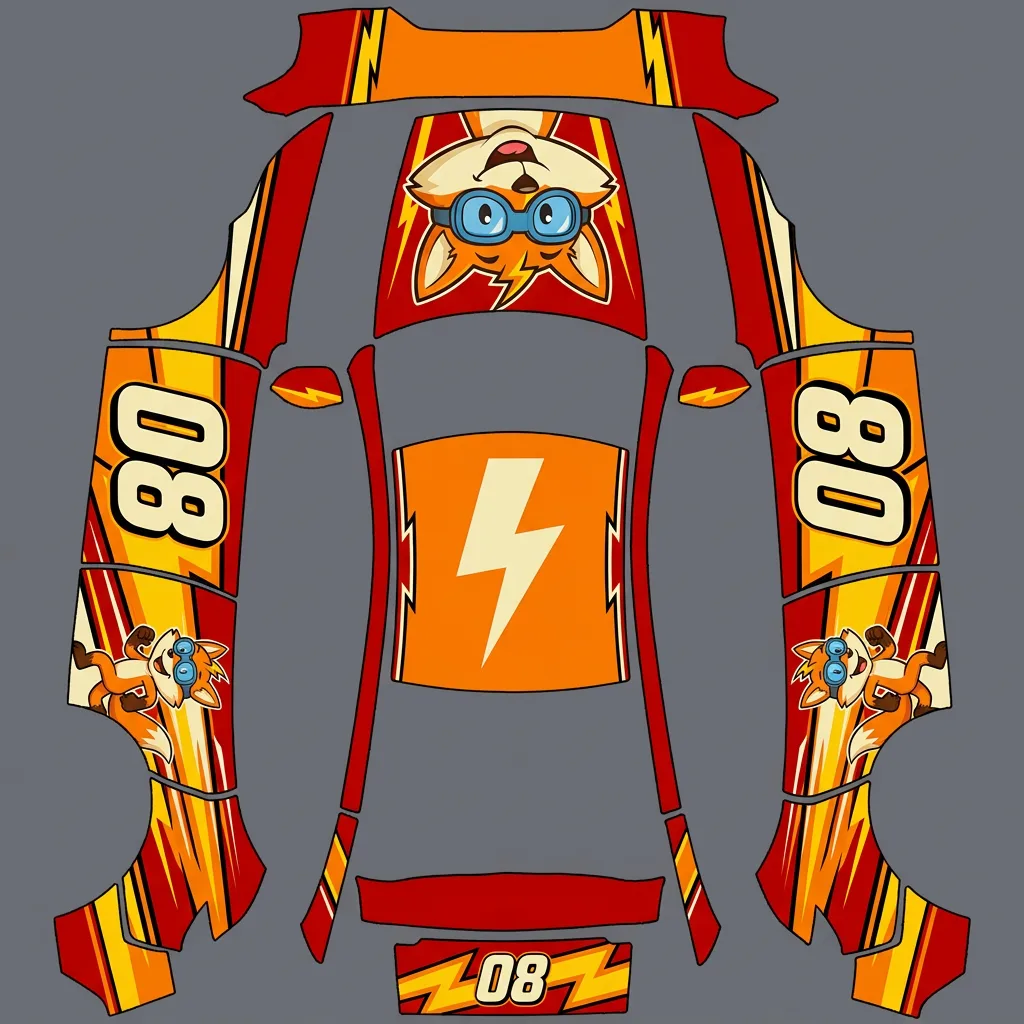
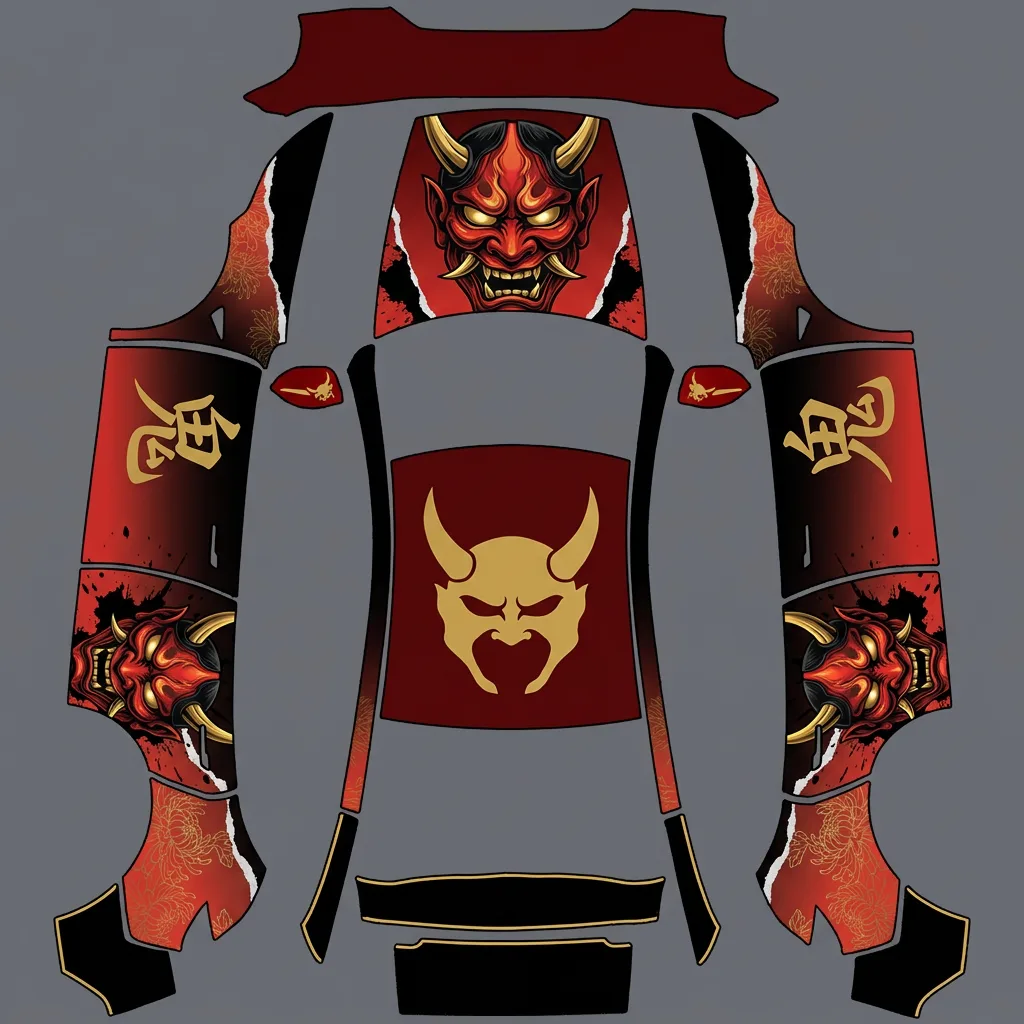
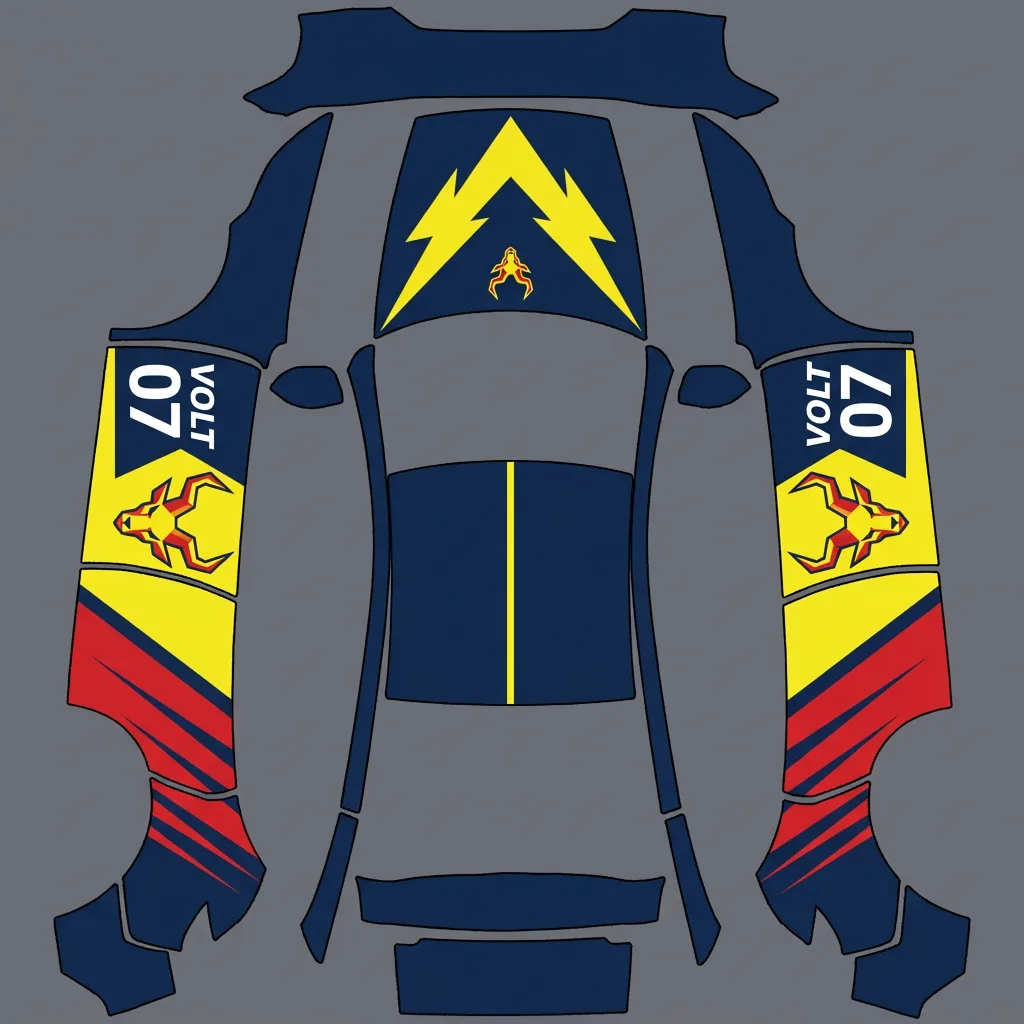
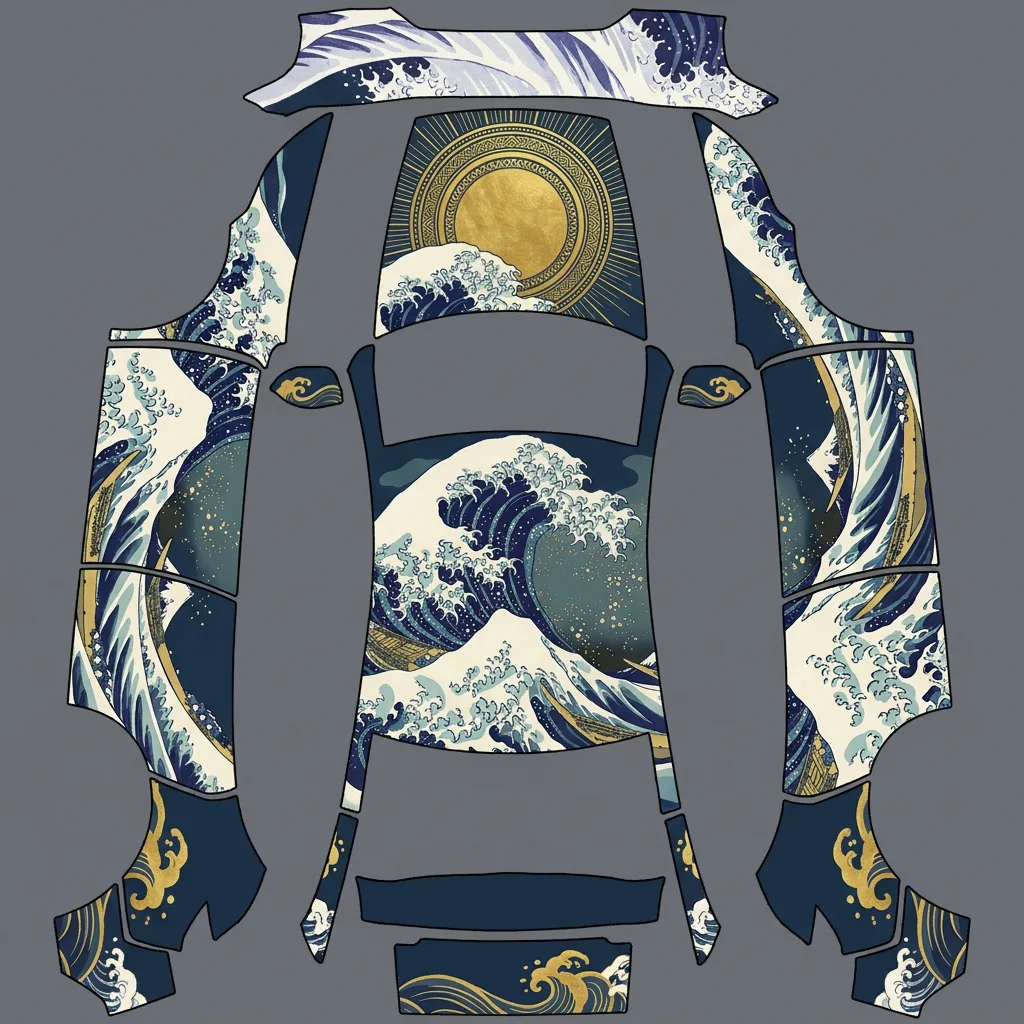
Original itasha, racing and illustrated looks painted on official Tesla templates. Open any of them in the studio.
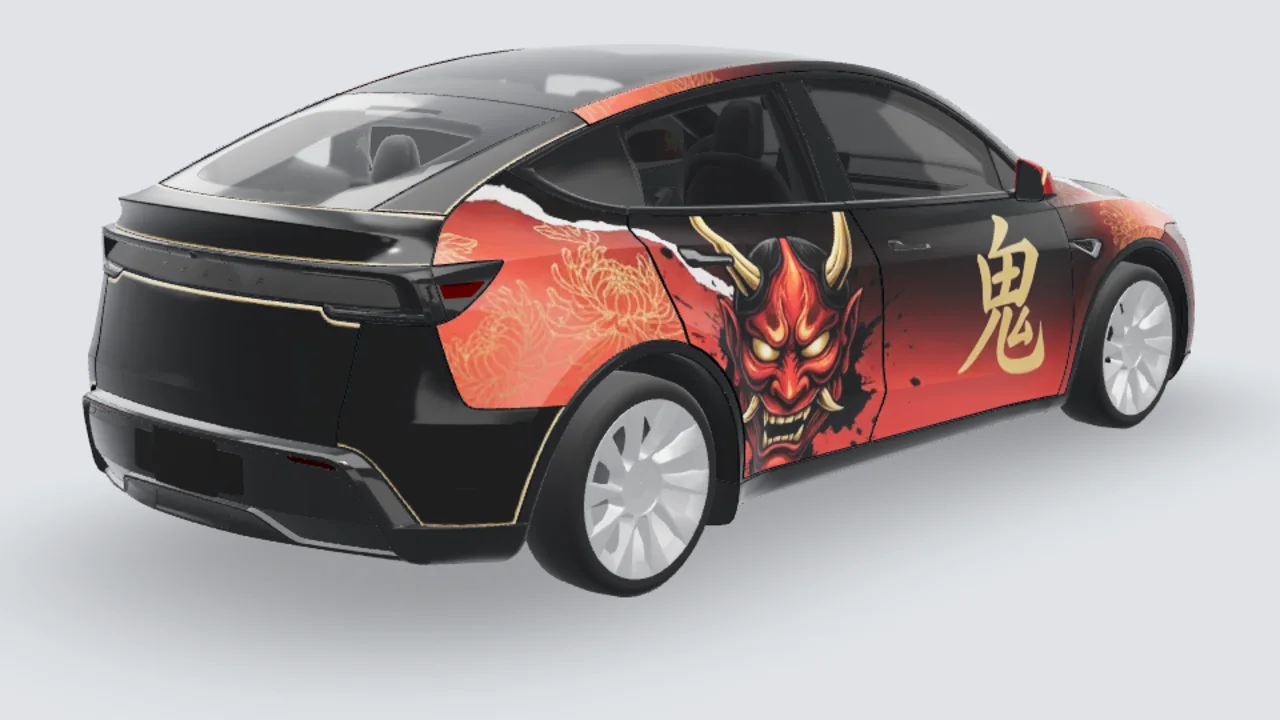
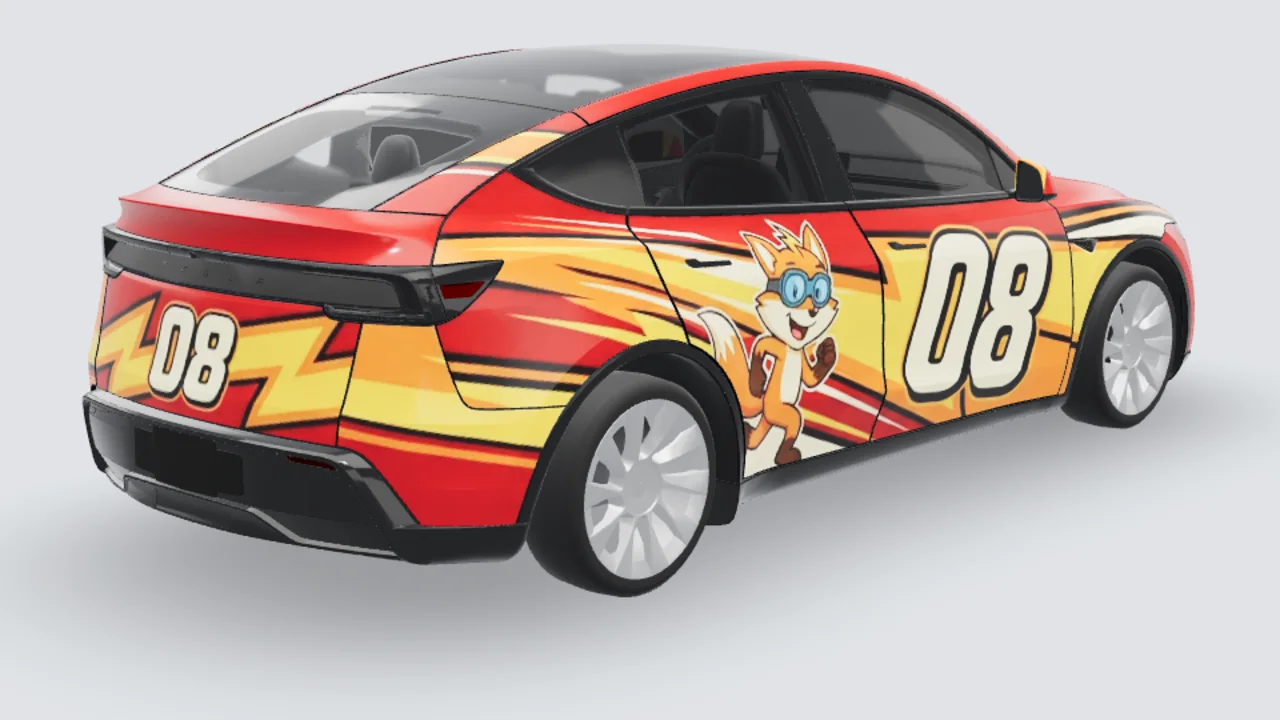
What is a Tesla digital wrap?
A Paint Shop wrap is a PNG mapped onto the car’s 3D model in the Tesla app and on the touchscreen. It does not change the real paint.
No extra software
The studio runs in the browser. No Photoshop, no installer, no USB until you export.
Official UV templates
Every Tesla here uses the public custom-wraps file for that trim, so panels land where Paint Shop expects.
Auto UV mask
The generator paints the white (paintable) pixels and we crop everything else, so the PNG stays clean at the edges.
Paint Shop PNG
Export is already PNG, 512–1024 px and under 1 MB — the file the car will accept.
Free credits to start
New accounts get credits to try the studio. Paid packs start at a few dollars and never hide extra fees.
Live 3D preview
Rotate the preview and inspect panel seams before download. Some trim previews use approximate 3D geometry; confirm the final PNG in Paint Shop.
How a Tesla wrap gets made here
Pick your car
Choose from twelve Tesla Paint Shop templates, or select a supported Toyota, BYD, Xiaomi, Porsche or other photo model.
Describe the wrap
Type a theme, choose a style preset and a base color. Check whether important shapes cross doors and fenders as intended in the preview.
Preview & export
Inspect the Tesla 3D preview, then export a PNG within Paint Shop’s file-size limit. A photo-mode render is a visual reference for a wrap shop.
Load it in the car
Tesla app v4.59+: Creations → Wrap → Upload. Or copy the PNG into a USB folder named Wraps, then Toybox → Paint Shop → Wraps.
Where the wrap shows up
Tesla app
Creations → Wrap. The same skin follows you in the phone visualisation.
In-car display
Toybox → Paint Shop → Wraps on the touchscreen. Digital only — the real paint stays as it is.
Wrap shop reference
Download the render as a visual reference. An installer must still confirm the film, measurements and production artwork.
Tesla wraps by model
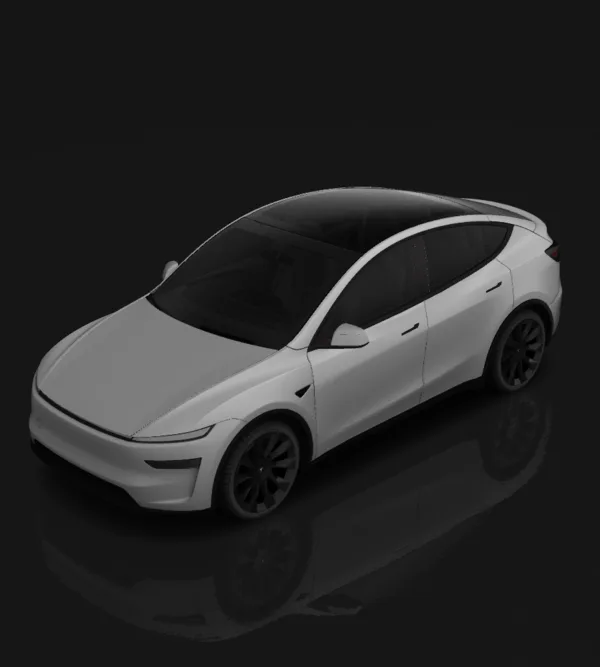
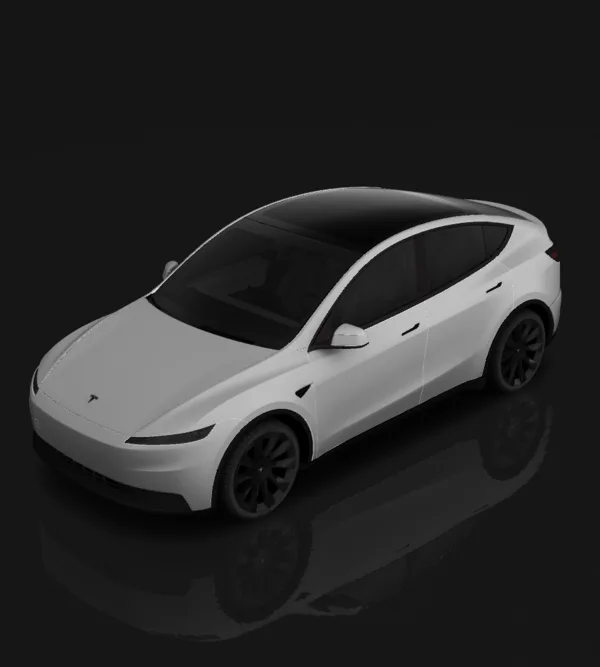
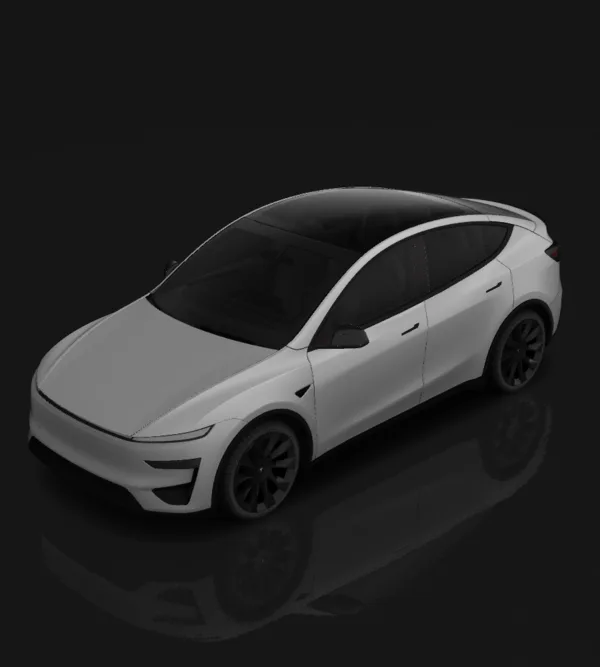
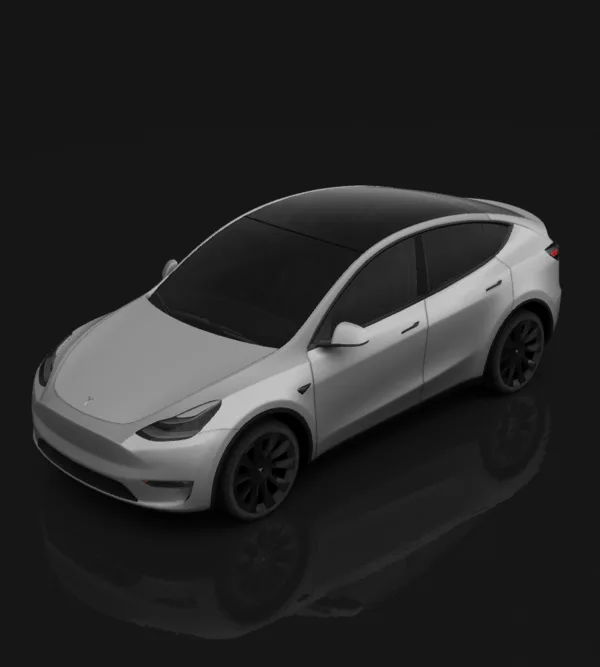
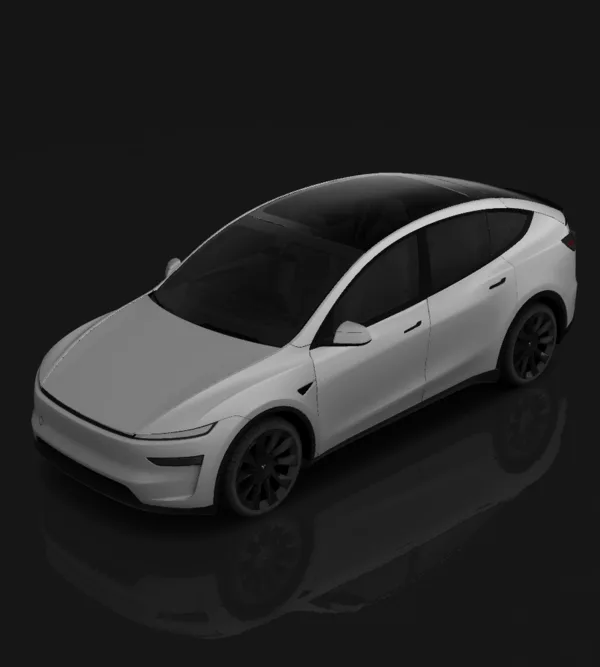
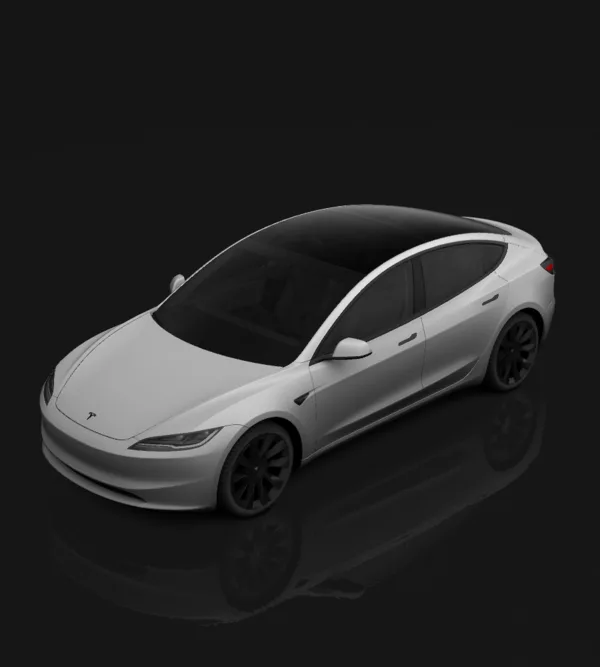
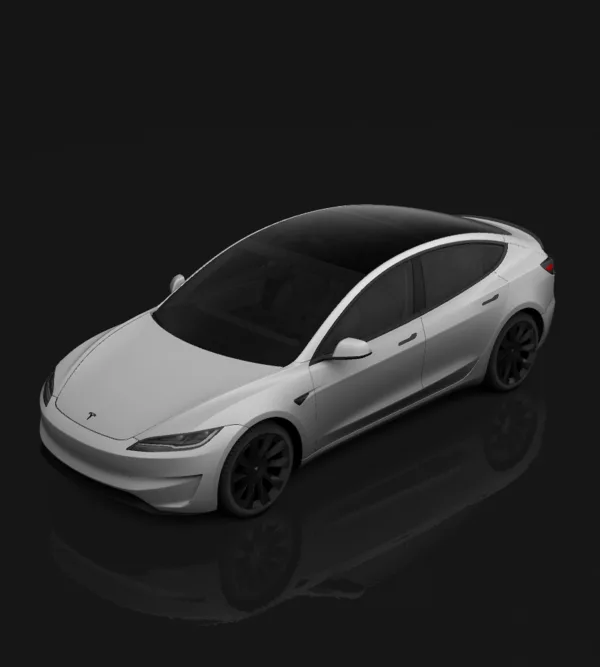
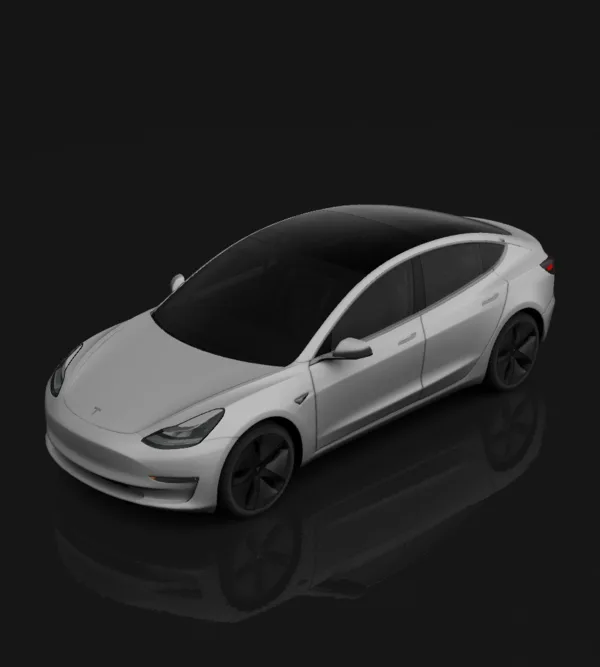
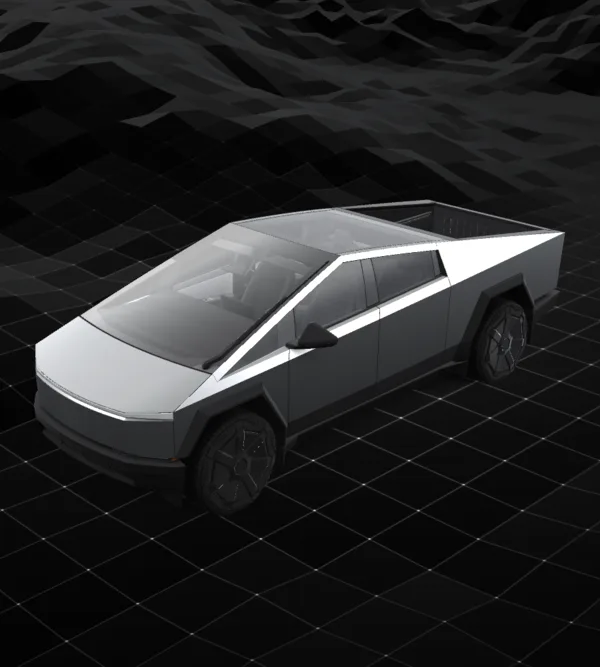
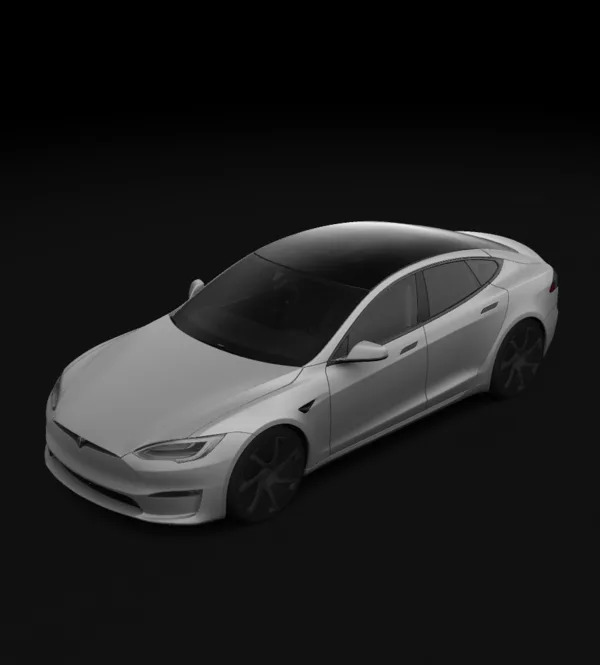
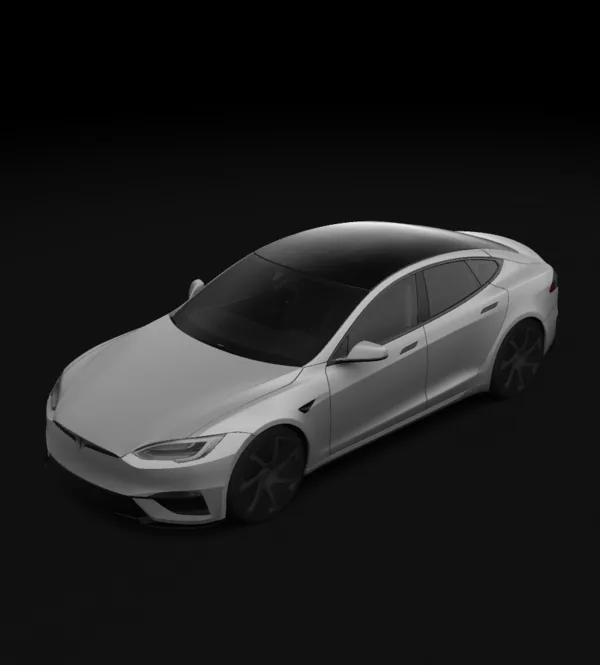
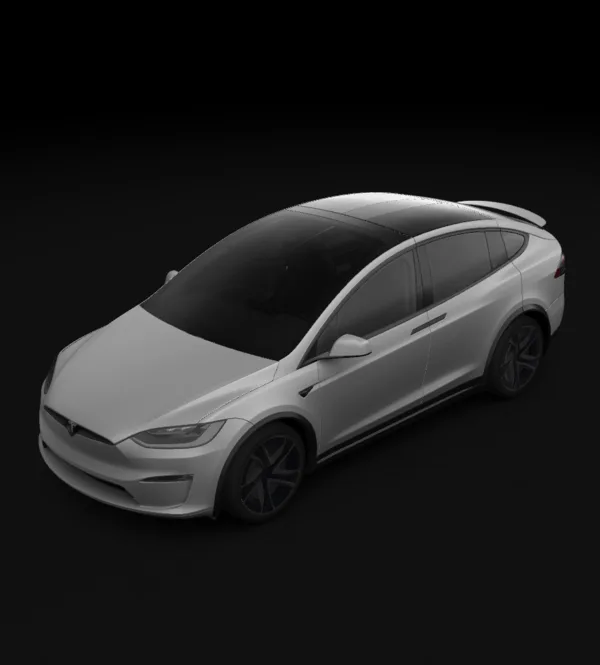
Every Paint Shop-enabled Tesla has its own wrap page with the official UV template and a 3D preview. Other makes use photo visualisation.
Style presets
Start from a style idea, then adapt it with your own words.
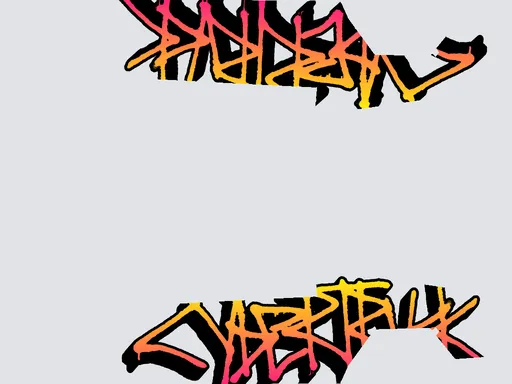
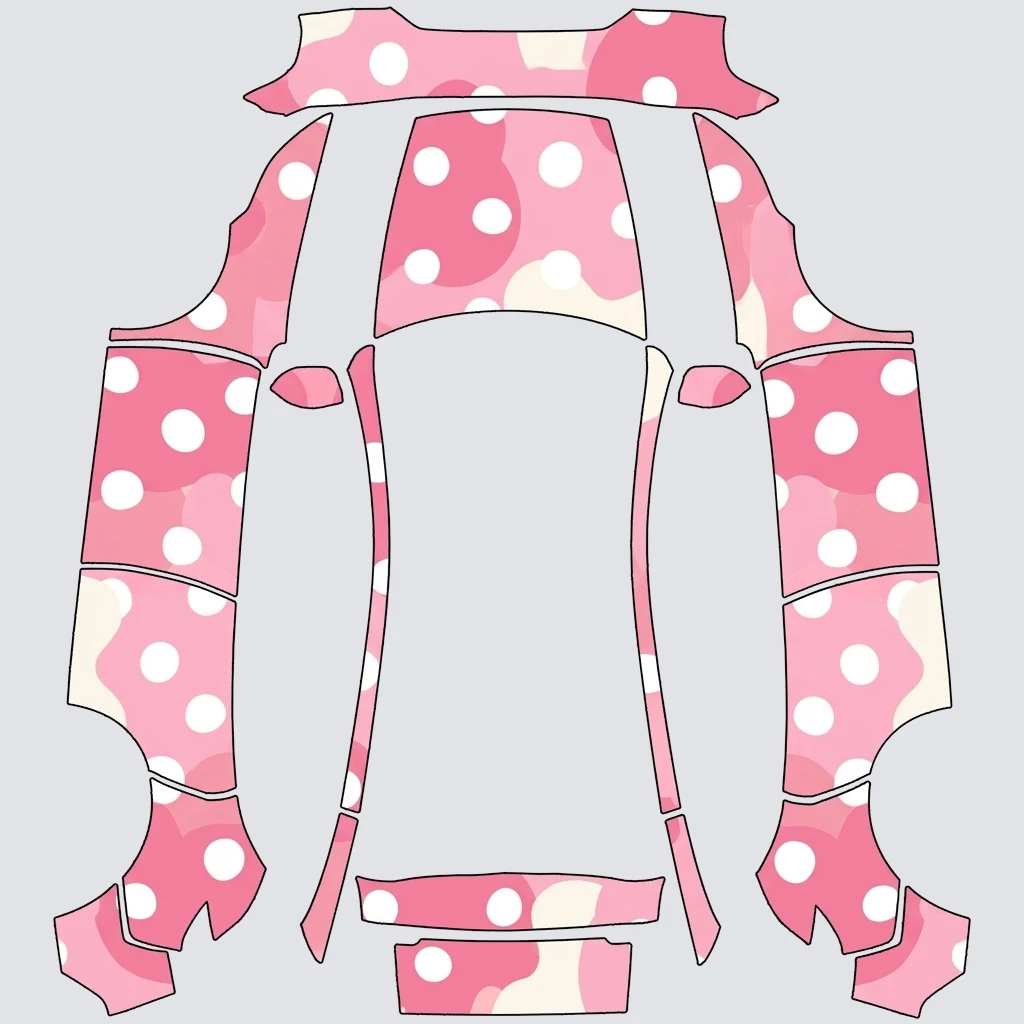
Tesla Paint Shop file rules
SkinMyCar exports already meet these. Open the templates page for the blank official files.
Credits for AI wraps
Each generation costs 6–12 credits depending on the model. Failed jobs refund automatically.
Five image models, one studio
Each model has a strength. We picked defaults after testing them on the real templates.

Start here for template-based designs
Try for detailed photo visualizations

Great spatial reasoning at a low cost

Bold graphics at 2K

Dense seamless textures (camo, carbon)
Fresh from the community
Public Tesla wrap designs made in the studio. Remix any of them with one click.
Model 3 (2024+) Standard & PremiumModel 3 (2024+) Standard & PremiumModel 3 (2024+) PerformanceGuides
How to Upload a Tesla Custom Wrap: App and USB Installation Guide
Upload a Tesla custom wrap with app v4.59.0+ or USB. Check PNG dimensions, file names, the Wraps folder and fixes when a design does not appear.
How to Read a Tesla UV Map and Check Wrap Alignment
Choose the right Tesla UV map, distinguish a blank template from a finished PNG, and check doors, logos and panel seams before Paint Shop export.
How Much Does a Car Wrap Cost in 2026? Prices, Popular Colors and How to Preview Before You Buy
Real-world vinyl wrap pricing by car size and finish (gloss, satin, matte, chrome, color-shift), the most-requested colors, and how AI photo visualization lets you see your own car wrapped before paying a shop.
Questions
Is this the official Tesla wrap tool?+
No. SkinMyCar is an independent designer that uses Tesla’s public custom-wraps templates. Choose the matching vehicle and trim, then verify the exported PNG in Paint Shop.
Which cars are supported?+
Every Paint Shop-enabled Tesla (Model 3, Model Y incl. Juniper and Model Y L, Model S, Model X, Cybertruck) with the official template and 3D preview, plus photo visualisation for popular models from Toyota, BYD, Xiaomi, Porsche, Honda, Ford, BMW, Mercedes, Hyundai and Kia.
How much does a generation cost?+
The studio shows the selected model’s credit cost before generation. New accounts get trial credits; see the pricing page for current paid plans.
Can I print or share a generated design?+
You can use a render as a design reference. Before publishing or printing, check rights to any characters, logos and other source material. A wrap shop must prepare measurements and production artwork for a physical installation.
Does a Tesla wrap here change my real paint?+
No. A Paint Shop wrap changes the digital car shown on the touchscreen and in the app. For a physical wrap, a render can show your idea to an installer, who must prepare the actual film and production file.
What is a UV template?+
A UV template is the 2D unwrap of the Tesla 3D body. White (opaque) pixels map to painted panels; transparent pixels are ignored by the car. Designing on that file is what makes a wrap line up in Paint Shop.
How do I load the PNG on my Tesla?+
Tesla app v4.59.0+: Creations → Wrap → Upload. Or put the PNG in a Wraps folder at the root of a compatible USB drive, then use Toybox → Paint Shop → Wraps. See the app and USB guide for the full checklist.
Is my data uploaded?+
The 3D viewer and template masking run in your browser. AI generation sends the prompt and the chosen template or uploaded photo to the image service. Signed-in users can save designs; only designs you make public appear in the community gallery.
Design a wrap for Paint Shop
Open the studio, or start from the official blank template for your trim.